
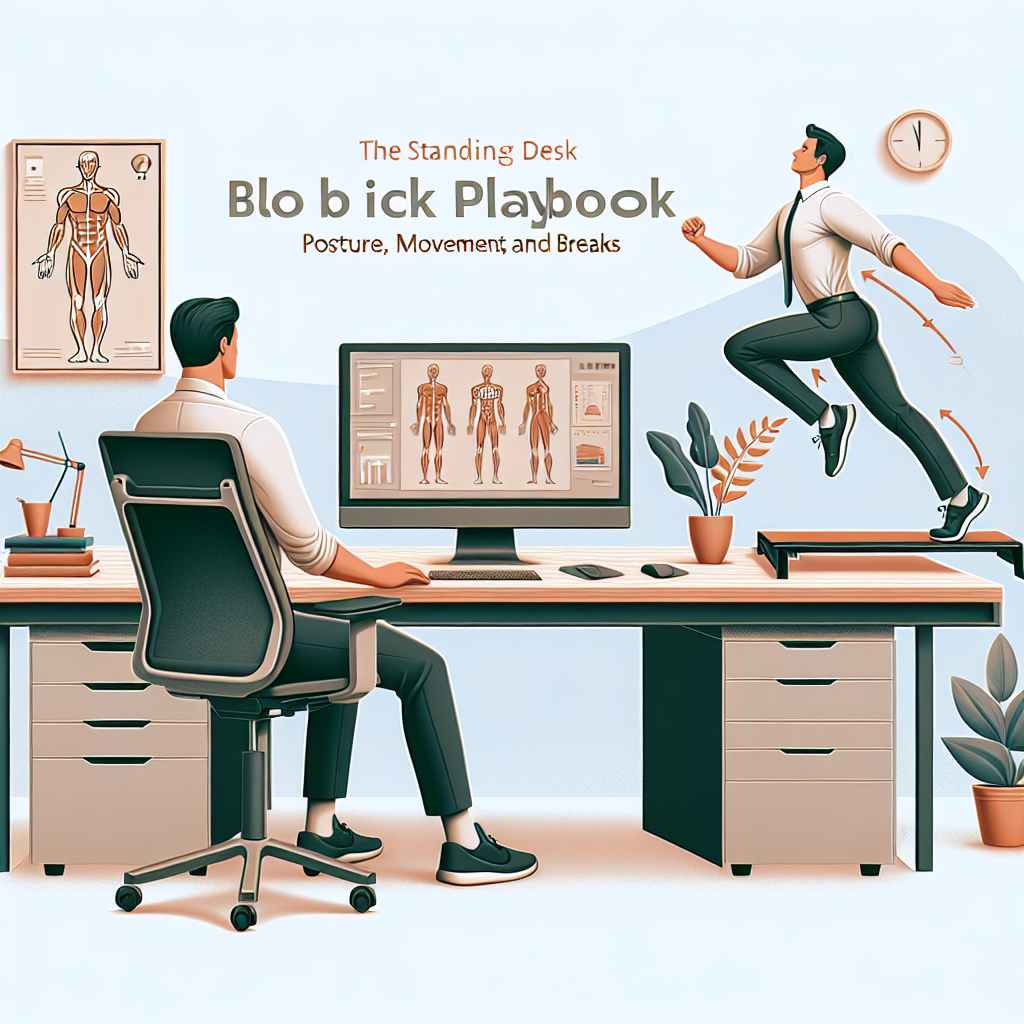
Use this practical guide to set up your standing desk, dial in posture, build movement into your day, and schedule breaks that protect your body and sharpen your focus.
Why a Playbook?
Standing desks can boost comfort and focus—but only when used intentionally. The sweet spot is a mix of good posture, frequent small movements, and regular breaks. All-day standing is just as problematic as all-day sitting; aim for variety.
Quick-Start Checklist
- Alternate: 30–45 minutes sitting, 10–20 minutes standing; repeat.
- Every 30 minutes: 30–90 seconds of movement (walk, stretch, or mobility drills).
- Screen: top of screen at or slightly below eye level; arm’s length away.
- Keyboard/mouse: elbows at 90–100°, wrists straight, shoulders relaxed.
- Feet: shoulder-width, weight shifting; use a footrest to alternate legs.
- Surface: use a moderate-compression anti-fatigue mat and supportive shoes.
- Eyes: 20-20-20 rule—every 20 minutes, look 20 feet away for 20 seconds.
Set Up Your Standing Station
Desk Height
- Raise the desk so your forearms are parallel to the floor and elbows are at 90–100°.
- Shoulders should be relaxed, not hiked; wrists neutral (avoid extension).
Monitor Position
- Top of the screen at or slightly below eye level.
- Distance: roughly 50–70 cm (20–28 inches)—about an arm’s length.
- Tilt: slight upward tilt (10–20°) to reduce neck flexion.
- Dual monitors: center the primary screen; angle both to avoid excessive head turning.
Keyboard and Mouse
- Keep them close to reduce reaching; elbows stay near your sides.
- Use a low-profile keyboard if you tend to extend wrists.
- Consider a split keyboard or vertical mouse if you have shoulder or wrist discomfort.
Feet, Footwear, and Surface
- Stand with feet hip-to-shoulder width; distribute weight evenly; avoid locking knees.
- Alternate one foot on a small footrest to reduce low-back load; switch every few minutes.
- Use supportive shoes with a stable heel; avoid high heels or overly soft soles.
- Stand on an anti-fatigue mat to reduce pressure on joints and promote micro-movement.
Posture: What “Good” Looks Like
- Head stacked over shoulders (ears over shoulders), chin gently tucked.
- Shoulder blades slightly back and down; ribcage stacked over pelvis.
- Hips neutral; slight knee softness (not locked).
- Wrists straight; hands float over keys/mouse without pressing into the desk.
Think of posture as a starting position you return to—not a rigid pose you hold all day. Movement is the goal.
Movement: Small, Frequent, Automatic
Frequent micro-movements fight fatigue, improve circulation, and help your brain focus.
Micro-Movements You Can Do While Working
- Weight shifts: left-right, front-back every few minutes.
- Heel raises: 8–12 reps to wake up calves and improve venous return.
- Mini-marches or step-taps: alternate feet while typing during low-intensity tasks.
- Glute squeezes: 5–10 gentle holds of 3–5 seconds; avoid overarching your back.
- Scapular sets: gently draw shoulder blades back and down for 5 seconds.
- Neck mobility: slow “yes/no/maybe” nods and turns within a pain-free range.
Movement Bursts (30–90 Seconds)
- Walk to refill water or do a lap around the room.
- Hip hinges or bodyweight squats: 8–10 reps.
- Calf stretch against wall or mat edge: 20–30 seconds each side.
- Forearm/wrist stretches: flexion/extension holds 15–20 seconds.
- Thoracic extension over a chair back or doorway pec stretch.
Breaks: Smarter Scheduling
Working Ratios That Work
- 20-8-2 rule (per 30 minutes): 20 minutes sitting, 8 minutes standing, 2 minutes moving.
- Or 45/15 cycle: 30–45 minutes focused work, 10–15 minutes stand/move/reset.
- Aim for 2:1 or 1:1 sit-to-stand across the day; avoid long blocks of either.
Focus and Eye Health
- Use the 20-20-20 rule for eyes every 20 minutes.
- Block deep work in 50–90 minute cycles with a 5–10 minute movement break.
- Set reminders with a timer or wearable to avoid “just one more email.”
Managing Fatigue and Discomfort
- New to standing? Start with 5–10 minutes per hour for week 1 and add 5 minutes weekly.
- Rotate positions: sit, stand, perch/stool, walk; change every 30–60 minutes.
- If feet ache: add a mat, switch shoes, use a footrest, include calf raises and ankle circles.
- If low back tightens: perform hip hinges, gentle lunges, glute squeezes, and alternate footrest use.
- If shoulders/neck tense: lower desk/keyboard slightly, bring screen closer, relax shoulders, try scapular sets.
Persistent pain or numbness is a signal to adjust your setup and consider a professional evaluation.
Common Mistakes to Avoid
- Standing all day without breaks or movement.
- Desk too high, causing shoulder shrugging and wrist extension.
- Monitor too low or far, causing neck craning and leaning.
- Locked knees and static posture for long periods.
- Unsupportive footwear or no anti-fatigue mat.
- Ignoring early discomfort signals (feet, lower back, wrists, neck).
Special Considerations
- Low back history: prioritize footrest alternation, hip hinge technique, and glute activation.
- Knee or hip pain: reduce standing intervals; use a cushioned mat and consider a sit-stand-perch stool.
- Varicose veins: favor shorter, more frequent standing bouts; emphasize calf pumps and walking breaks.
- Pregnancy: adjust stance width for comfort, keep screen higher to reduce rib compression, take more frequent movement breaks.
- Wrist/forearm pain: neutral wrist alignment, low-profile keyboards, and regular forearm stretches.
Sample Half-Day Flow
- 09:00–09:30 Sit (deep work). 09:20: 20-20-20 eye break.
- 09:30–09:40 Stand. Weight shifts + 10 calf raises + 5 scapular sets.
- 09:40–10:10 Sit (typing/calls). 10:00: Eye break.
- 10:10–10:25 Stand. Mini-marches + hip hinges (10 reps) + wrist stretch.
- 10:25–10:55 Sit. 10:45: Eye break.
- 10:55–11:05 Walk break: refill water + brief stretch.
Repeat similar cycles in the afternoon. Adjust durations to your energy and task demands.
Gear That Helps (Optional)
- Anti-fatigue mat (medium firmness, beveled edges for safety).
- Footrest or small step to alternate leg support.
- Perching stool for a middle ground between sitting and standing.
- Cable management to prevent tripping when raising/lowering the desk.
- Screen riser or monitor arm for precise height/angle control.
FAQ
How long should I stand daily?
For most people, 1.5–3 hours total distributed throughout the workday is a good target, building up gradually. Focus on alternating positions and moving frequently.
Is standing better than sitting?
Neither is best by itself. The healthiest option is variety: sit, stand, move.
What if my feet or lower back hurt?
Shorten standing intervals, add a mat and supportive shoes, use a footrest, and increase movement breaks. If symptoms persist, consult a qualified clinician.